Configure and Manage
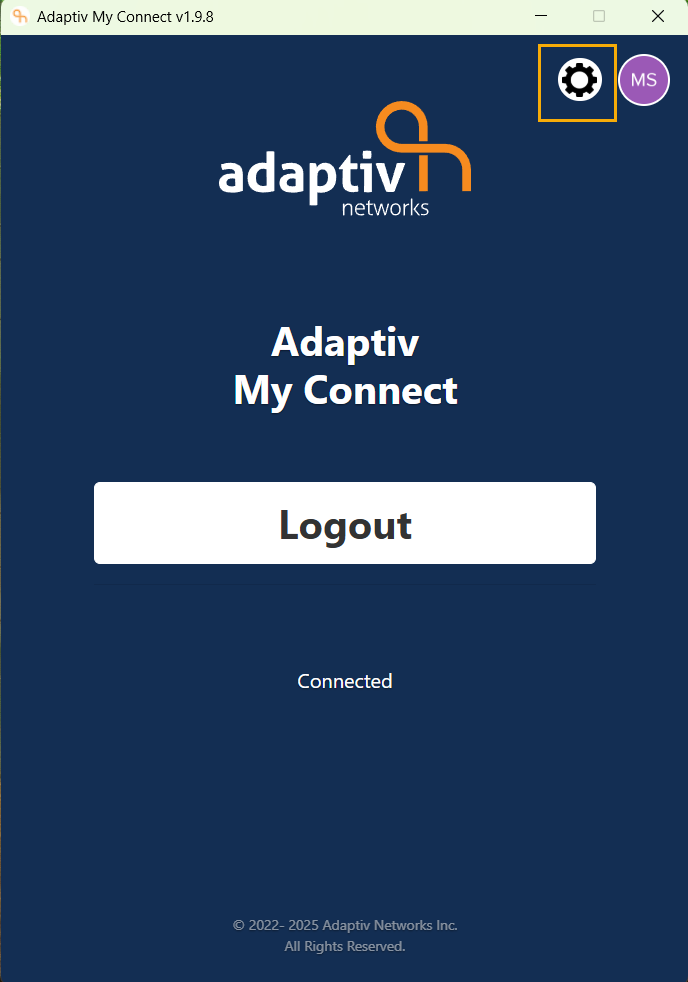
The My Connect application on your desktop is easy to manage. The Configuration panel enables you to manage features, install latest application updates and view activity logs. To open the Configuration panel, launch the application and click the gear icon on the home window of the application.
Configuration Panel on home window
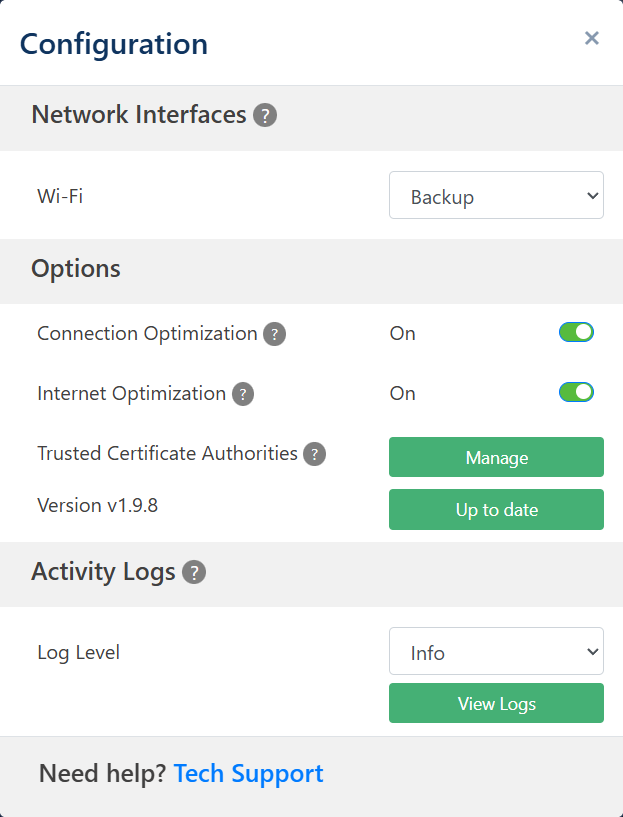
The Configuration panel is divided into three sections:
- Network Interfaces – Captures and displays all available interfaces on the network. You can manage the network interfaces from this section.
- Options – The Options section allows you to manage configurations and download and install latest software updates for the application.
- Activity Logs – You can view logs about the My Connect service running on your device.
Related Topics
TERMS OF USE | ANTI SPAM | PRIVACY POLICY | USER LICENSE AGREEMENT | PATENTS
Copyright © 2025 Adaptiv Networks, Inc. Send Feedback