Using Cisco Duo for multifactor authentication
Cisco Duo is a 3rd party multifactor authentication provider that can be used to access the SC//Reliant™ Platform Manager. To use Duo, you must sign up for Duo and configure your application to support multifactor authentication prior to it being added to the SC//Reliant platform. For more information about Duo, see the Duo website.
Prerequisites
Prior to onboarding with the SC//Reliant platform, you should complete the following prerequisites to set up multifactor authentication.
- Sign up for a Duo account. For more information, see Duo free trial signup page.
- Complete the Duo onboarding process. For more information, see the Duo Onboarding Guide.
Configuring Duo
Your Duo Administrator will need to access the Duo admin console and create a Web SDK application. For more information, see New Web SDK Applications in the Duo documentation.
- Access the Duo Admin Panel dashboard.
- On the left navigation, choose Applications.
- In the application search box, lookup Web SDK and choose Protect.
- On the Web SDK application configuration page, make note of the
Client ID,Client secret, andAPI hostnamevalues, which need to be provided to the SC//Reliant Engineering team. We use those details to configure the Duo integration with your SC//Reliant Platform Manager tenant.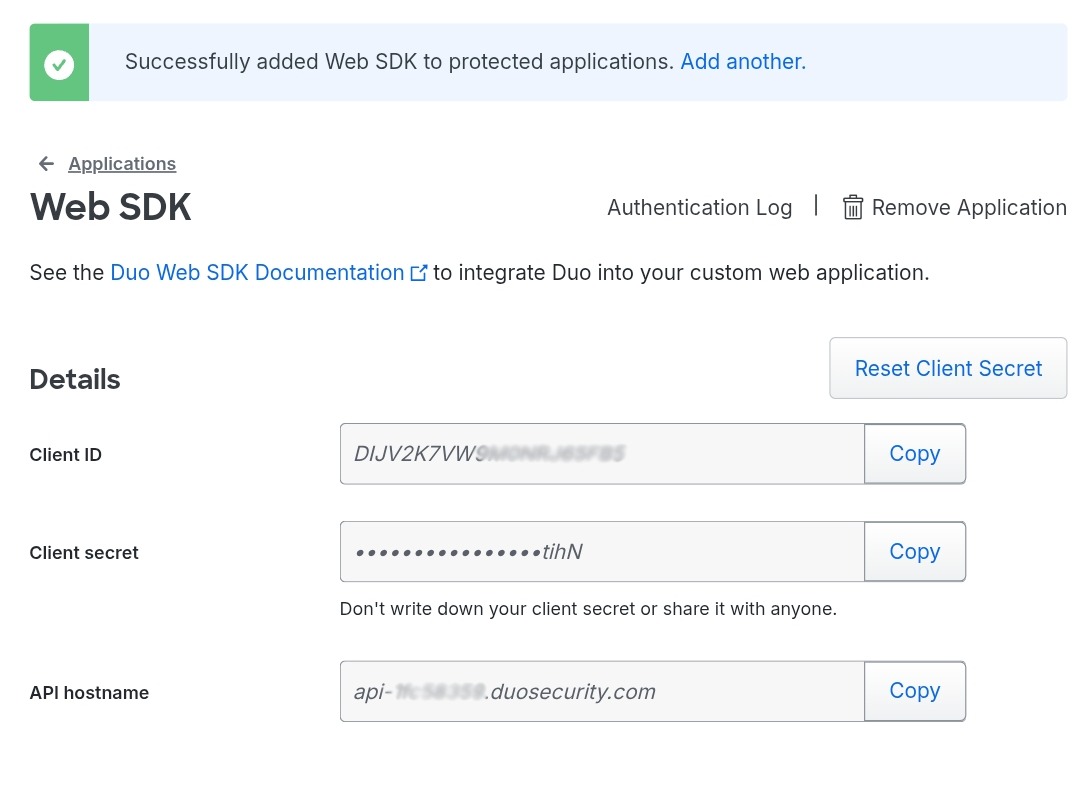
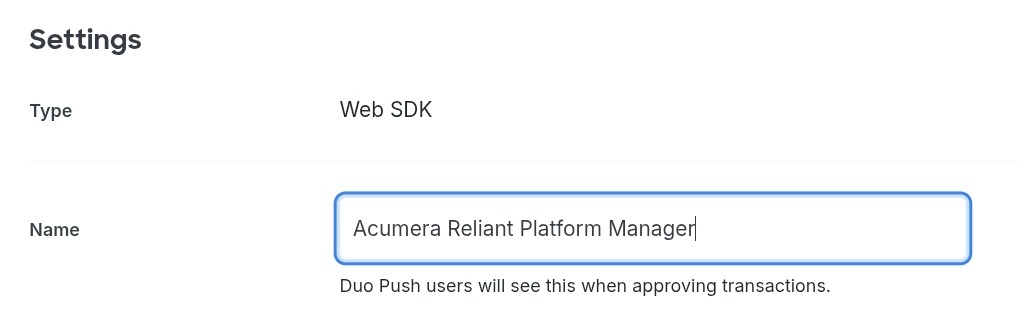
- In the Web SDK application settings, for Name specify
SC//Reliant Platform Manager.