Installing My Connect
This section provides instructions on how to download and install the Adaptiv My Connect application from the self-service portal. The My Connect application is supported on Windows, macOS and Linux.
Once the installation is complete, the My Connect application will launch and minimize itself in the notification area of your desktop, from where you can access and log in to the application as needed.
To install My Connect on Windows
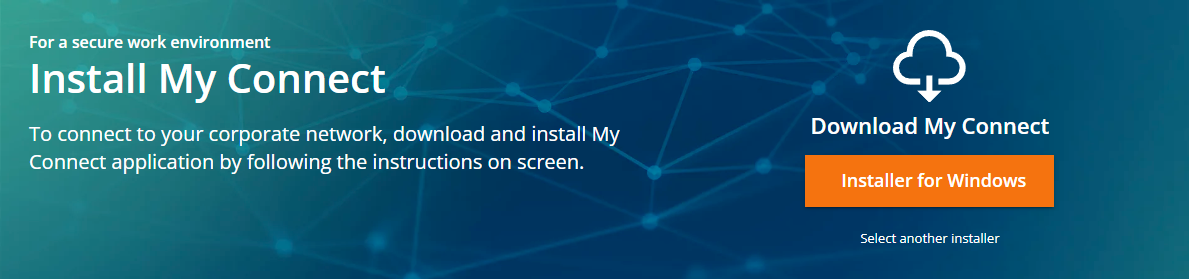
- On the home page of the self-service portal, click Installer for Windows.
- Open the Downloads folder, locate the AdaptivMyConnect_vx.x.x.msi file, and run the installer.
To install My Connect on macOS
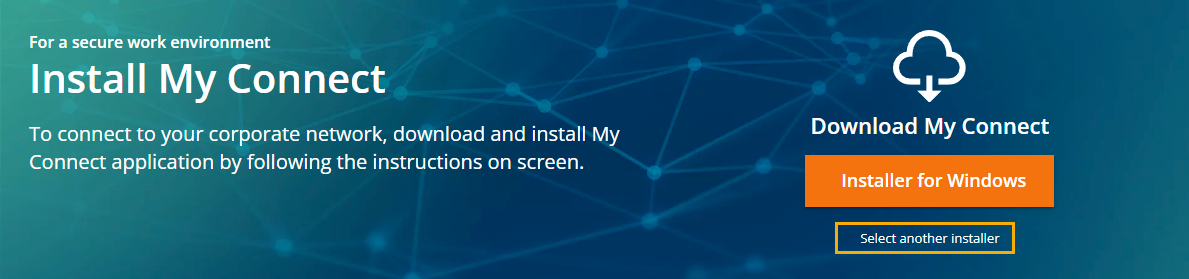
- On the home page of the self-service portal, click Select another installer.
- On the Downloads page, select the Apple tab and download the installer by clicking Download My Connect for macOS.
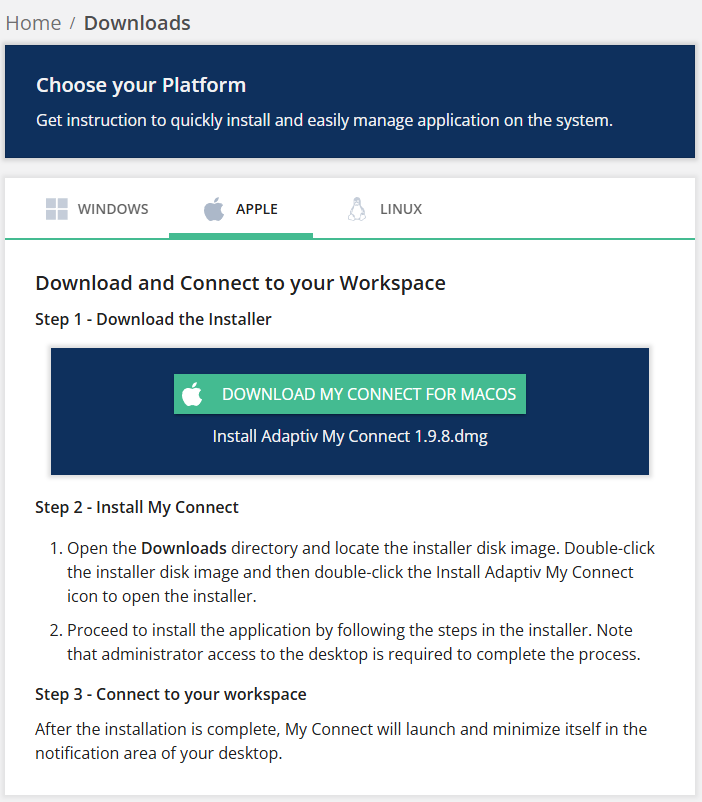
- Open the Downloads directory and complete the installation.
To install My Connect on Linux
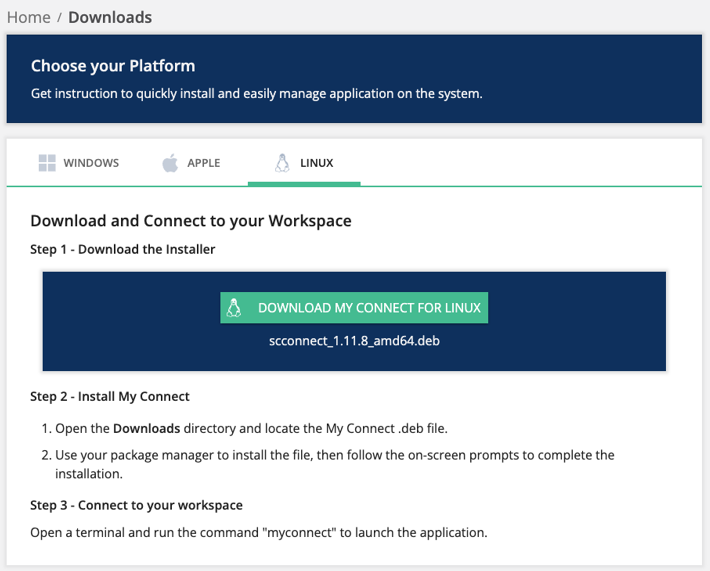
- On the home page of the self-service portal, click Select another installer.
- On the Downloads page, select the Linux tab and download the installer by clicking Download My Connect for Linux.
TERMS OF USE | ANTI SPAM | PRIVACY POLICY | USER LICENSE AGREEMENT | PATENTS
Copyright © 2026 Adaptiv Networks, Inc. Send Feedback