Configure the License Key using the Management Interface
Before you begin
Ensure that you have the following information:
- The type of license pack that you have: Basic, Advanced, Enterprise, App Optimizer, or Legacy.
- The license key
- The extended key, which is the expiry date of the license (not applicable for Legacy licenses)
Configure the License Key Using the Management Interface
- Connect the management interface to your computer.
- Open a web browser and navigate to the unit’s IP address.
- From the main menu, open the System folder.
- Select License.
- Click Add and enter the following information for the Basic license: license name, the license key, and the expiry key.
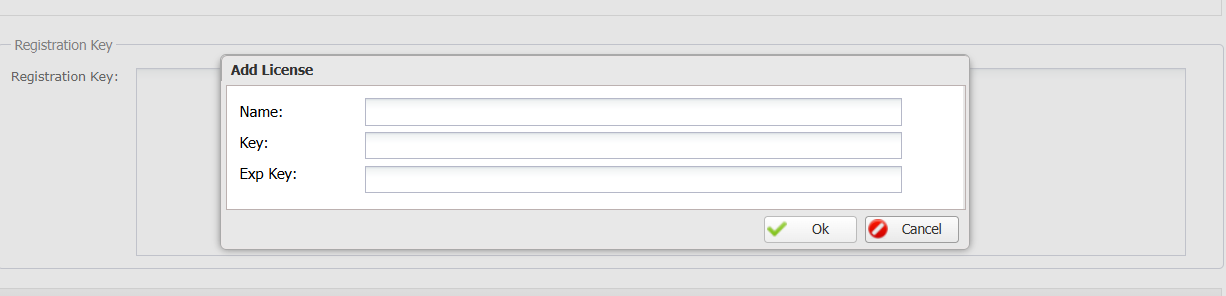
- You must install the Basic license pack before you can install other license packs.
- Click OK.
- Repeat steps 4 through 6 to install the license pack that you have.
TERMS OF USE | ANTI SPAM | PRIVACY POLICY | USER LICENSE AGREEMENT | PATENTS
Copyright © 2026 Adaptiv Networks, Inc. Send Feedback