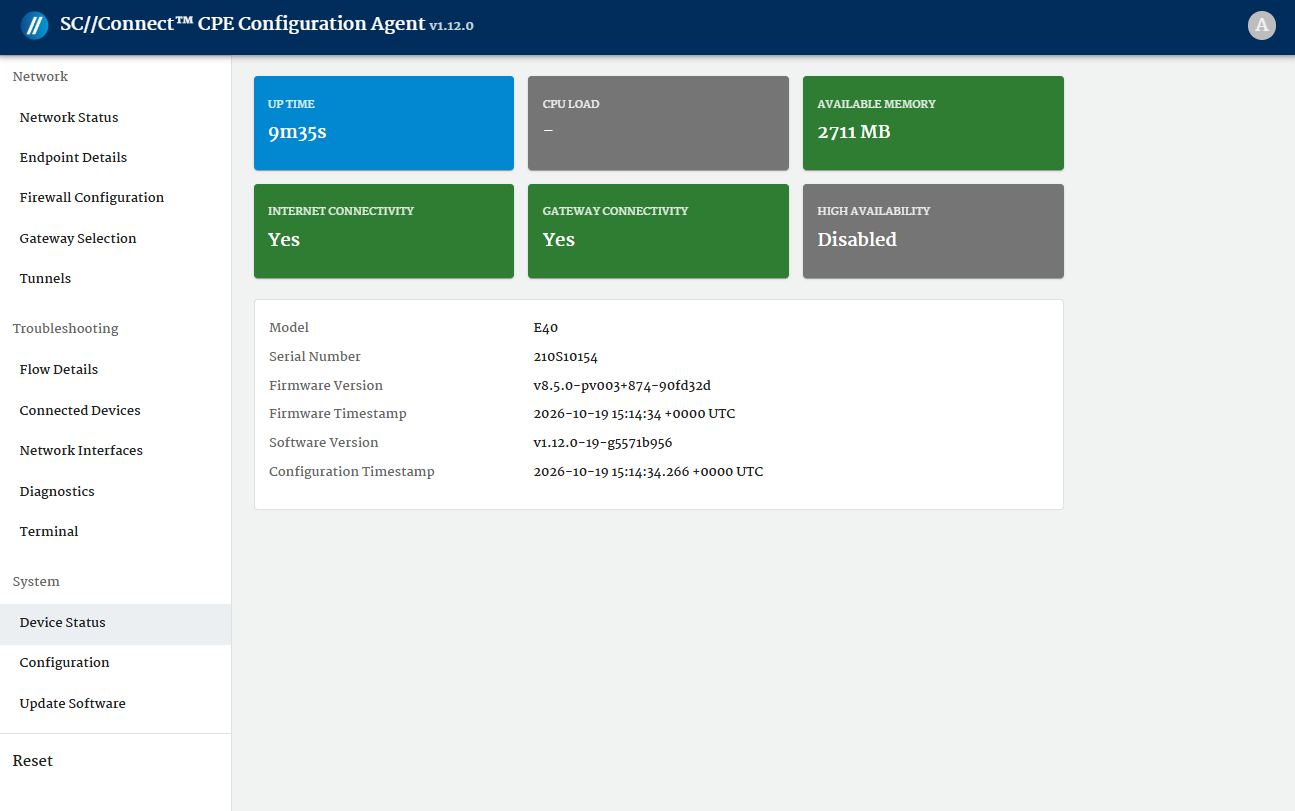
The Remote Access Management feature allows authorized users to establish a remote connection to the device. The feature is available for devices running on OS v8.1.0 and greater. It provides access to the device configuration agent.
The device configuration agent consists of a Web GUI, which is intuitive and provides users with tools for configuration, system monitoring, and diagnostics. It simplifies the setup and management of the Edge device (most commonly also referred to as Customer Premise Equipment or CPE).
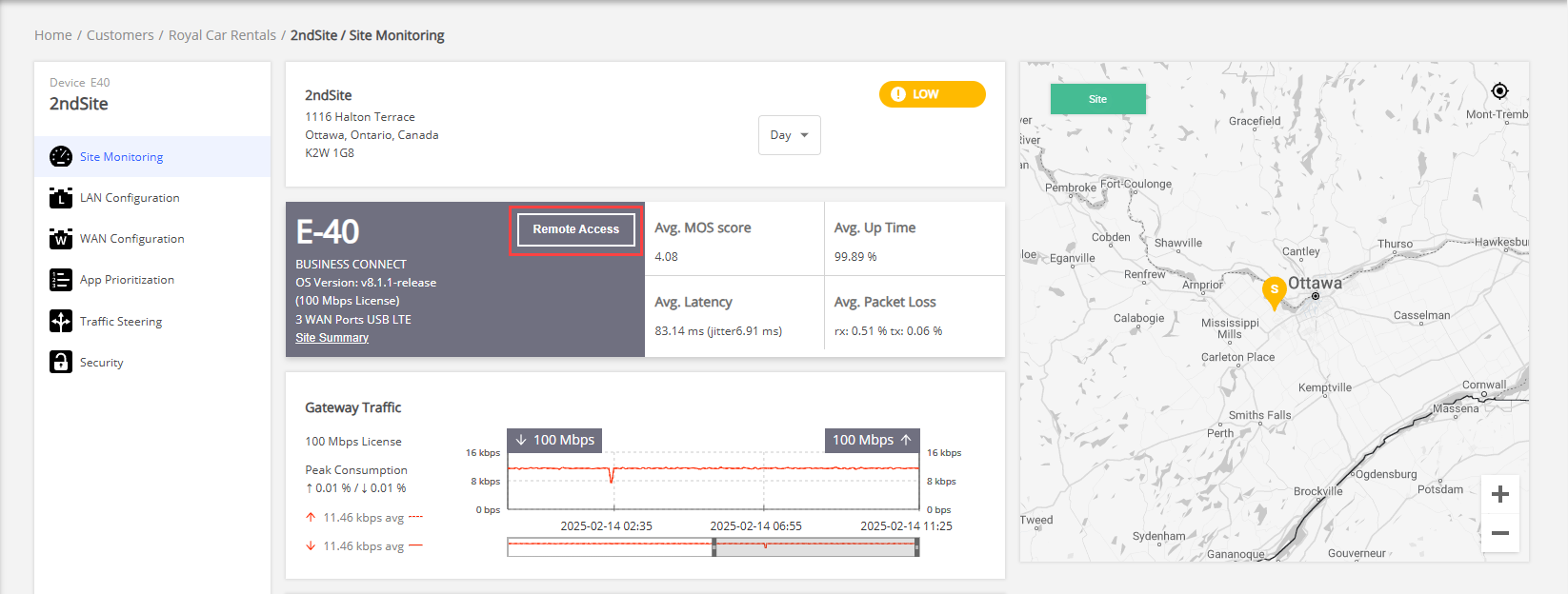
To open remote access management in the orchestrator, select Customers from the left main panel and select the relevant customer from the Customers table. On the customer dashboard, select the required site from the Sites table. On the Site Monitoring page, click Remote Access from the hardware and license information section.
Access Credentials
To access the Web GUI for an Edge device, SC//Connect™ Networks provides three sets of credentials for each partner or customer. These credentials are created and securely managed by SC//Connect™ Networks, ensuring that users have controlled and reliable access to their respective platforms. The credentials to access the Web GUI can be requested from Support team.
- SC//Connect™ Orchestrator – These credentials allow a user to access SC//Connect™ Orchestrator. The remote access management can be accessed from the site dashboard in the orchestrator.
- Edge device or CPE Web GUI – These credentials are used to access Web GUI for the Edge device. They are also required for the initial setup and configuration of the Web GUI.
- Terminal access – Credentials to access the terminal interface, allowing advanced troubleshooting and command-line operations.
To log into Web GUI
- Access the device Web GUI using one of the following methods.
- Using the orchestrator – Open the Site Monitoring page and click Remote Access button.
- Local access via LAN port – Connect directly to the device's LAN port and access the Web GUI using its local IP address 172.16.254.1/24.
(This is the factory default IP address, which will be updated automatically once the CPE is provisioned. )
- Using the orchestrator – Open the Site Monitoring page and click Remote Access button.
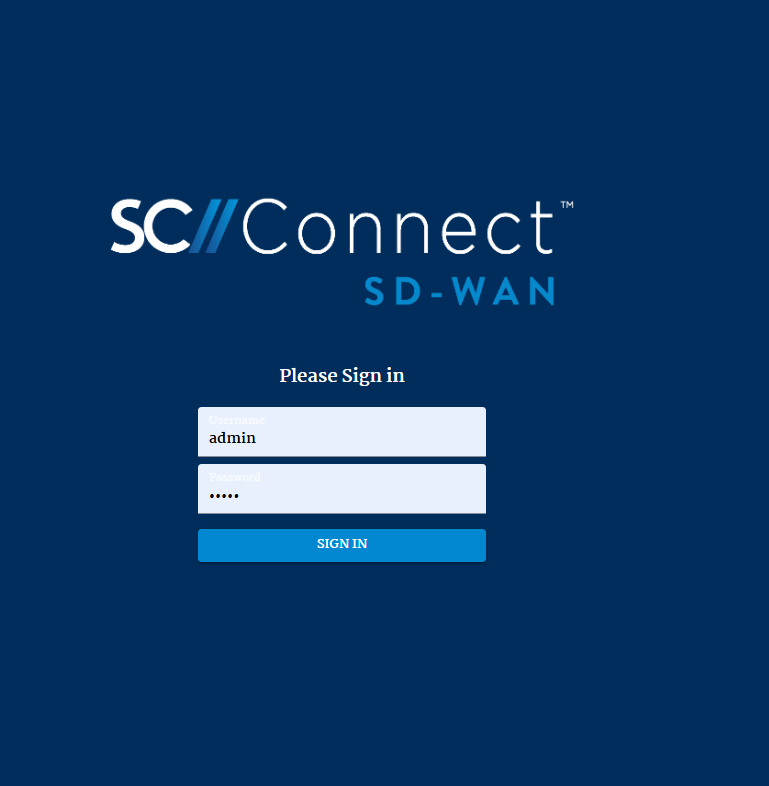
- Enter the username and password (credentials) for the Web GUI provided by SC//Connect™ Networks.
- After successful login, the main dashboard of the Web GUI will be loaded, displaying key information about the device, organized into the following main sections: