The Door Monitoring application provides readings from integrated door sensors supplied by Scale Computing™. The application triggers a warning if a sensor is in an open state for longer than the threshold configured in the application settings.
Where to find it
To see this application's reports and company-wide settings for all your sites, select Doors from the Apps menu. The page is titled Door Monitoring.
Retrieving the status of the Door Monitoring sensors
- Access the SC//AcuVigil™ dashboard.
- Choose the Location tile you want to retrieve the Door Monitoring application status for.
- On the Location Status page, in the left navigation menu, choose the Doors tab.
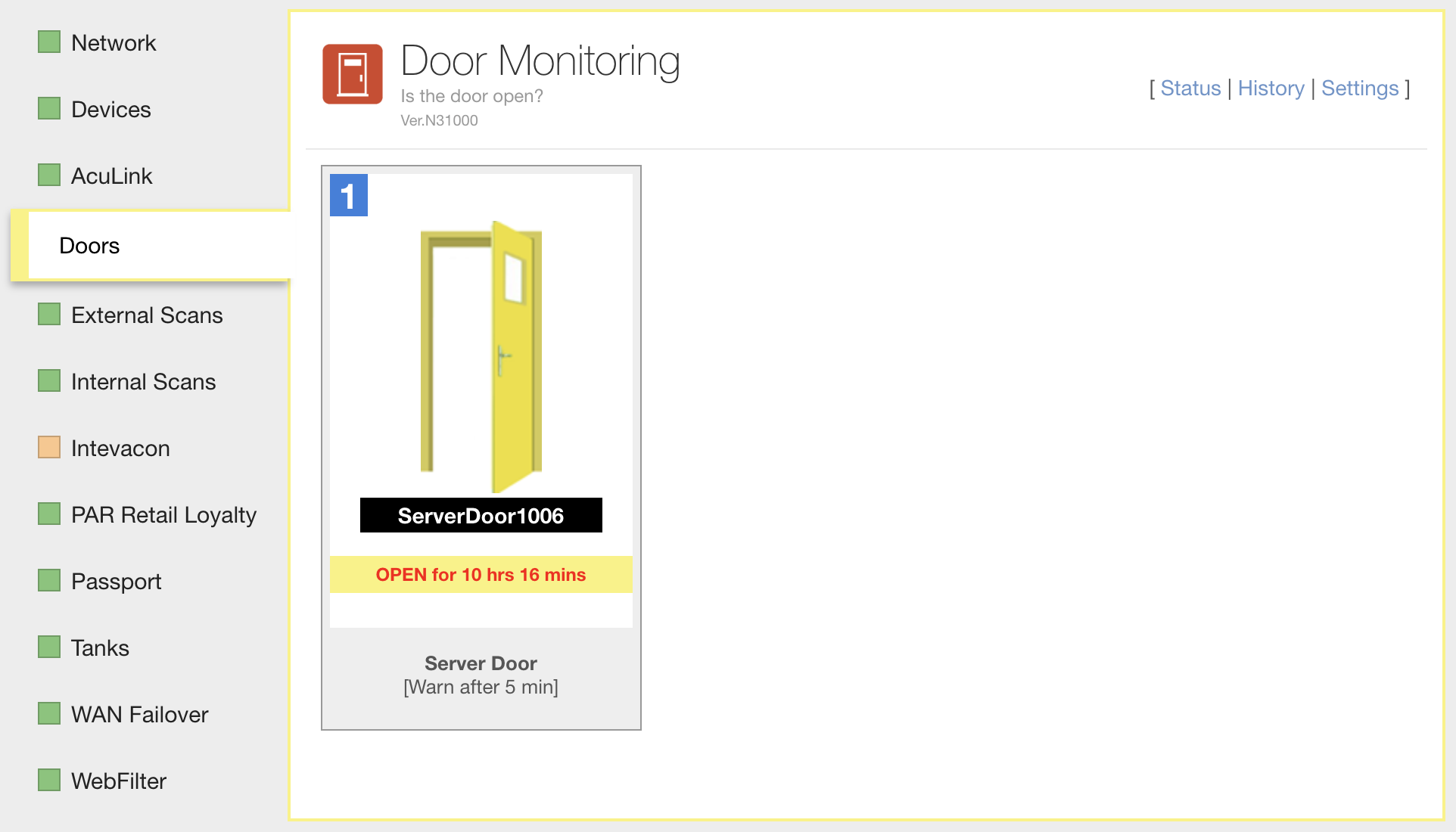
The Doors tab shows the current status of each sensor, as in the following example.
Retrieve the history of a specific Door Monitoring sensor
- Access the SC//AcuVigil dashboard.
- Choose the Location tile you want to retrieve the Door Monitoring sensor history for.
- On the Location Status page, in the left navigation menu, choose the Doors tab.
- On the Doors application page, choose History.
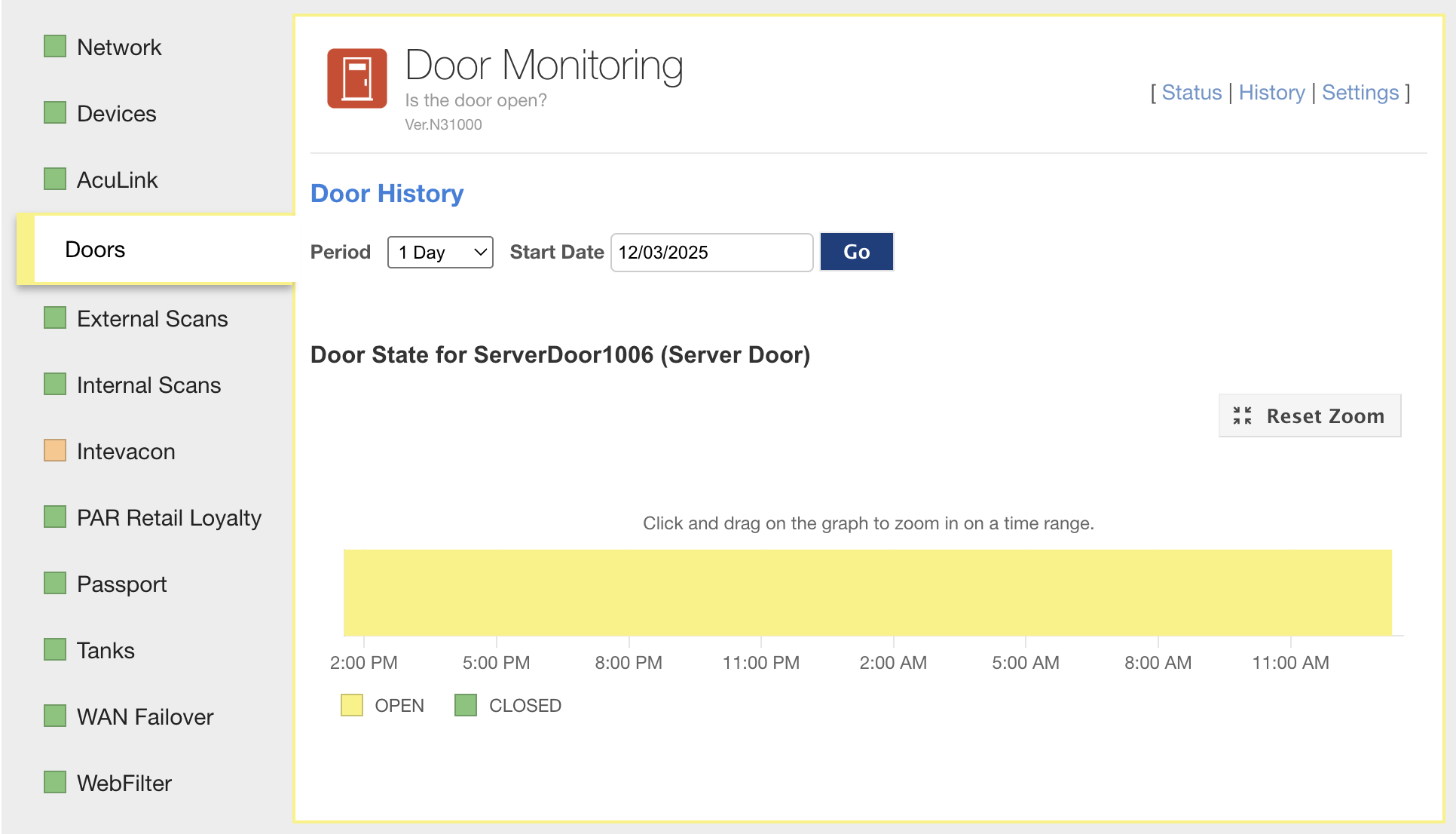
The sensor history appears, as in the following example.
Configuring the Door Monitoring application
Users with the Admin role can configure the following settings in the Door Monitoring application. Scale Computing can also configure them for you.
| Setting | Description |
|---|---|
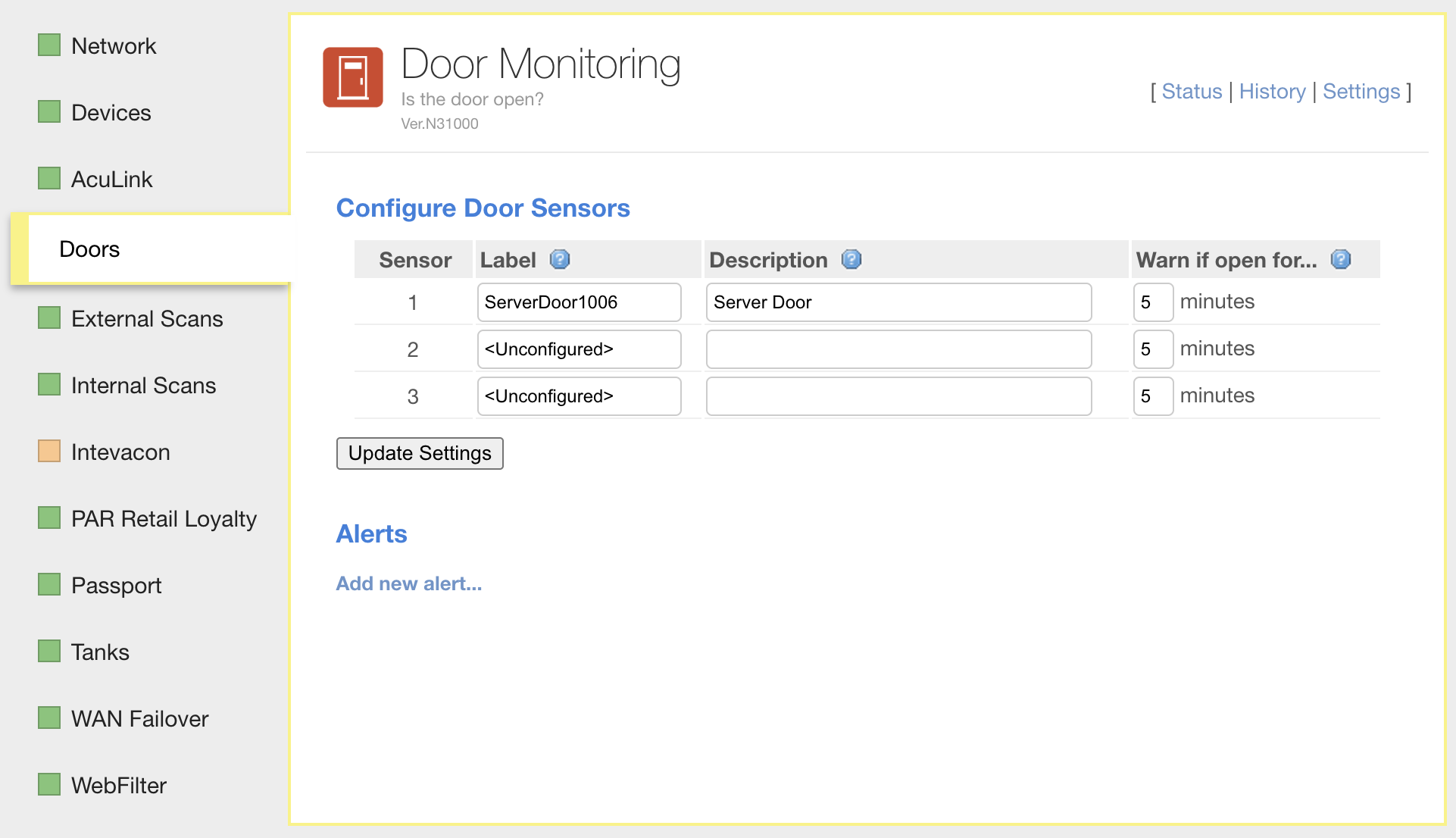
| Label | The display name for the door the sensor is associated with. The label appears on the Status tab and in the reports generated by the application. Up to 20 characters, and each label can be used only once. |
| Description | The description for the door the sensor is associated with. Up to 40 characters. |
| Warn if open for... | The threshold, in minutes, after which an open sensor changes the application to yellow (warning) status. Must be greater than 0. |
The following example shows the Door Monitoring application settings in SC//AcuVigil.
Available reports
| Report | Description |
|---|---|
| Doors App Status Report | A report of Doors app status |
| Doors App Exception Report | A report of all sites with a non-OK Doors app status |
For the fields each report contains, see Door Monitoring reports.
Getting the application
Scale Computing installs Door Monitoring on your sites as part of the managed service. Users with the Admin role can change its settings. To add it to a site, open a ticket in the SC//AcuVigil dashboard, email team@scalecomputing.com, or call (512) 687-7401.
System requirements
- Scale Computing ESD: MG3, SG1v1, or SG2v1